
Views: 215 Author: Site Editor Publish Time: 2025-12-29 Origin: Site


The Core Principle Behind an Infrared Pen and Display Interaction
Comparing Infrared Pen Interaction with Other Input Technologies
Key Performance Factors That Influence Infrared Pen Accuracy
Choosing the Right Infrared Pen for Your Display Environment
The Infrared Pen represents a deceptively simple input tool whose real power lies in how elegantly it communicates with modern projectors and interactive displays. Rather than relying on physical touch sensors embedded in a screen, it leverages invisible infrared light to translate human gestures into digital actions. This interaction model reduces hardware complexity, increases flexibility, and enables large-format interactivity without direct contact.
Understanding how an Infrared Pen interacts with your projector or display reveals why it remains a preferred solution in many Professional environments, especially where scalability, durability, and precision matter more than flashy surface technology. The genius of the system is not the pen alone, but the invisible conversation between infrared emission, optical detection, and software interpretation.
At its foundation, an Infrared Pen works by emitting infrared light rather than electrical signals or capacitive changes. This light is invisible to the human eye but easily detectable by infrared-sensitive cameras or sensors integrated into a projector system or external detection module.
When the Infrared Pen tip approaches or contacts a projected surface, it activates an infrared LED located near the Precision Tip. The system’s sensor continuously monitors the projection area. Once it detects a bright infrared point, the software calculates its exact position relative to the displayed image. That position is then mapped to cursor movement, clicks, or drawing actions.
This method bypasses the need for pressure-based detection, allowing interaction on nearly any flat surface. Walls, whiteboards, glass, and even textured surfaces can become interactive zones. The brilliance lies in how the display does not need to “feel” touch; it only needs to “see” infrared light.
Unlike traditional Touchscreen Devices, which require embedded layers, infrared-based interaction externalizes the sensing process, making large displays more affordable and easier to maintain.
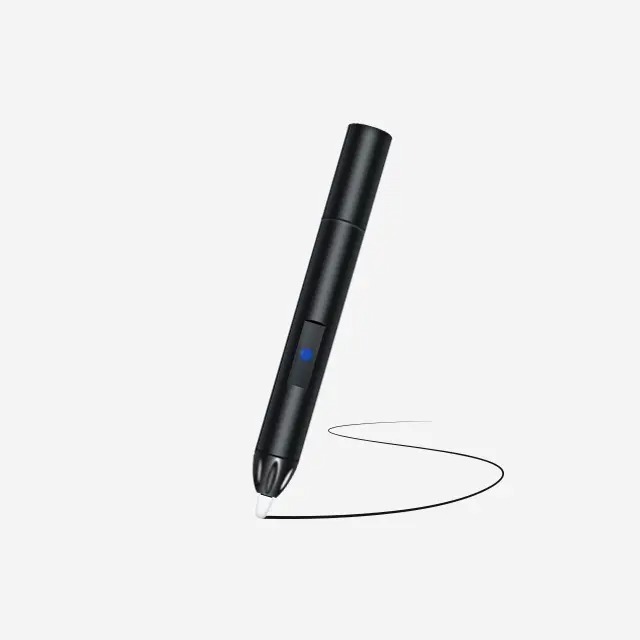
The detection process is a coordinated system involving optics, geometry, and software interpretation. Most setups rely on one or more infrared cameras positioned near the projector lens or along the display’s edges. These cameras are calibrated to recognize only infrared wavelengths, ignoring visible light entirely.
When an Infrared Pen emits light, the camera captures its position multiple times per second. The system analyzes the pen’s movement trajectory, speed, and dwell time to determine whether the user intends to write, click, drag, or hover.
Advanced systems can distinguish between deliberate input and accidental light interference. This is achieved through signal filtering, brightness thresholds, and motion pattern recognition. Because the pen is Wireless, the interaction feels immediate, with minimal latency.
This approach scales exceptionally well for large displays. Whether the projection spans one meter or ten, the detection logic remains consistent. That scalability is a key reason Infrared Pen solutions are widely adopted in lecture halls, training centers, and collaborative workspaces.
One of the defining advantages of an Infrared Pen is how closely it mirrors natural writing and pointing behaviors. Users hold it like a marker or stylus, aiming the Precision Tip exactly where they want interaction to occur. There is no need to press with force or align fingers awkwardly on a surface.
Even without physical Pressure Sensitivity, the system interprets intent through timing and movement patterns. A brief tap registers as a click. A continuous motion becomes handwriting or drawing. This abstraction allows consistent input regardless of surface hardness or material.
Additionally, many pens are Rechargeable, eliminating disposable batteries and ensuring stable signal output. A stable power supply directly impacts detection accuracy, as infrared brightness remains consistent throughout use.
For Professional applications, precision is not just about accuracy but predictability. The infrared detection model minimizes drift and calibration errors over time, especially when compared to resistive or capacitive overlays on large screens.
To appreciate the simplicity of an Infrared Pen, it helps to compare it with other common interaction technologies. Each method has strengths, but infrared stands out in specific scenarios.
| Technology Type | Detection Method | Surface Dependency | Scalability | Maintenance |
|---|---|---|---|---|
| Infrared Pen | Infrared light tracking | Low | High | Low |
| Capacitive Touch | Electrical conductivity | High | Medium | Medium |
| Resistive Touch | Physical pressure layers | High | Low | High |
| Optical Touch | Visible light interruption | Medium | Medium | Medium |
Unlike traditional Touchscreen Devices, infrared systems do not degrade with repeated physical contact. There is no touch layer to wear down. This makes them ideal for environments with heavy daily use.
Furthermore, infrared interaction avoids issues caused by gloves, styluses, or non-conductive objects, which often confuse capacitive systems. Any object emitting infrared light can be tracked, making the Infrared Pen both flexible and robust.
While the concept is simple, performance depends on several critical factors that determine how accurately an Infrared Pen interacts with a display.
Lighting conditions play a role, although modern systems compensate well for ambient infrared noise. Direct sunlight can introduce interference, but proper calibration and filtering mitigate most issues.
Camera resolution and frame rate also matter. Higher resolution allows finer positional tracking, especially important for detailed writing or diagram work. Frame rate affects responsiveness, ensuring smooth lines instead of jagged strokes.
Pen design contributes significantly. A well-engineered Precision Tip focuses infrared emission into a tight point, improving detection accuracy. Rechargeable power systems ensure consistent brightness, while a Wireless design eliminates lag caused by signal transmission delays.
Finally, software calibration ties everything together. Accurate mapping between the camera’s coordinate system and the projected image ensures that what users see aligns perfectly with where they point.
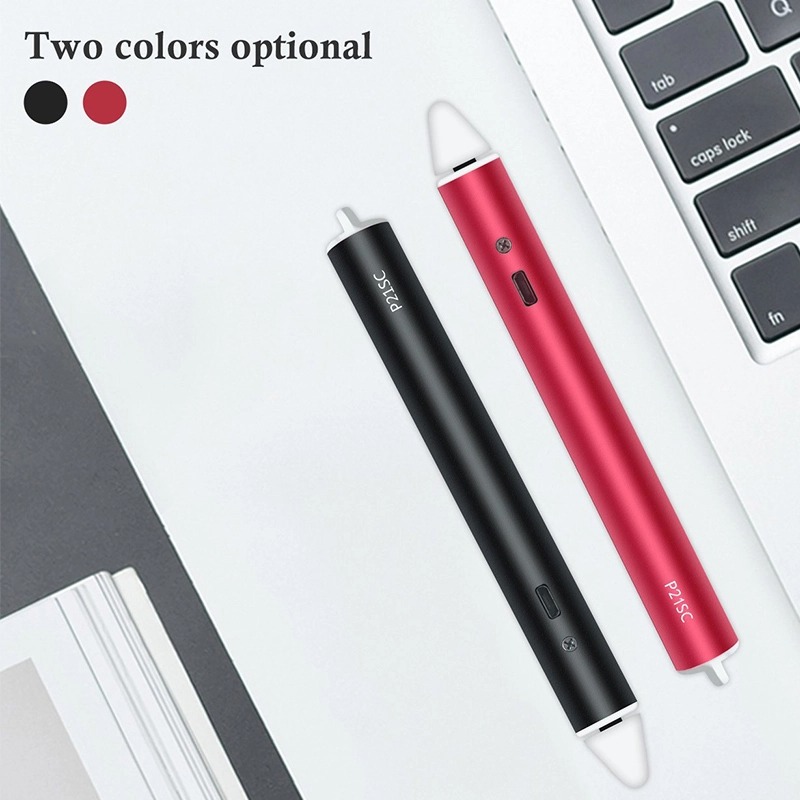
The flexibility of an Infrared Pen makes it suitable for a wide range of environments where traditional touch solutions fall short. In education, instructors can transform any projected surface into an interactive teaching tool without installing expensive Touchscreen Devices.
In Professional training rooms, large-scale diagrams and workflows can be annotated in real time. The absence of physical touch layers reduces downtime and simplifies cleaning and maintenance.
Collaborative spaces benefit from the ability to interact from a distance. Users are not forced to stand directly against a display, which improves visibility and engagement. The Wireless nature of the pen supports dynamic movement across the room.
Even in design and planning sessions, the precision of an infrared-based system enables accurate sketching and marking, especially when paired with high-resolution projectors.
Selecting an Infrared Pen is less about brand and more about compatibility and use case. The first consideration is sensor compatibility. The pen’s infrared wavelength must match what the camera system expects.
Battery design matters for long sessions. A Rechargeable pen with fast charging minimizes downtime and maintains consistent infrared output. Ergonomics also play a role, particularly for extended use in Professional settings.
Tip design should not be overlooked. A fine Precision Tip improves accuracy for writing and detailed interaction, while broader tips may suit presentation-style pointing.
Finally, consider how the pen integrates into your existing workflow. The best solutions disappear into the experience, allowing users to focus on content rather than technology.
The genius of an Infrared Pen lies in its ability to turn light into interaction. By shifting detection away from the surface and into the optical domain, it enables flexible, scalable, and durable interactivity for projectors and displays of all sizes.
Its Wireless, Rechargeable, and surface-agnostic nature makes it particularly valuable in Professional environments where reliability and precision outweigh novelty. Understanding how infrared emission, camera detection, and software mapping work together reveals why this technology continues to thrive despite constant innovation in Touchscreen Devices.
Sometimes, the simplest tools endure not because they are outdated, but because they are fundamentally well designed.
1.What makes an Infrared Pen different from a regular stylus?
An Infrared Pen emits infrared light that is tracked by cameras, rather than relying on physical touch or electrical conductivity.
2.Does an Infrared Pen require special screens?
No. It works with projected images on almost any flat surface, unlike many Touchscreen Devices.
3.Is Pressure Sensitivity required for accurate input?
No. Interaction is determined by light detection and movement patterns, not physical pressure.
4.Are Infrared Pens suitable for professional environments?
Yes. Their durability, scalability, and precision make them ideal for Professional use.
5.How important is the Precision Tip?
A high-quality Precision Tip improves tracking accuracy, especially for writing and detailed interaction.


